
Builder Tasklist Now Has a Help Center
Every builder runs their crew a little differently. But whether you've been using Builder Tasklist for months or you just downloaded it yesterday, there are moments when you need a quick answer — how do I set up a sub? How does the AI know who to assign a task to? What's the fastest way to export a report for my homeowner?
That's why we built help.buildertasklist.com.
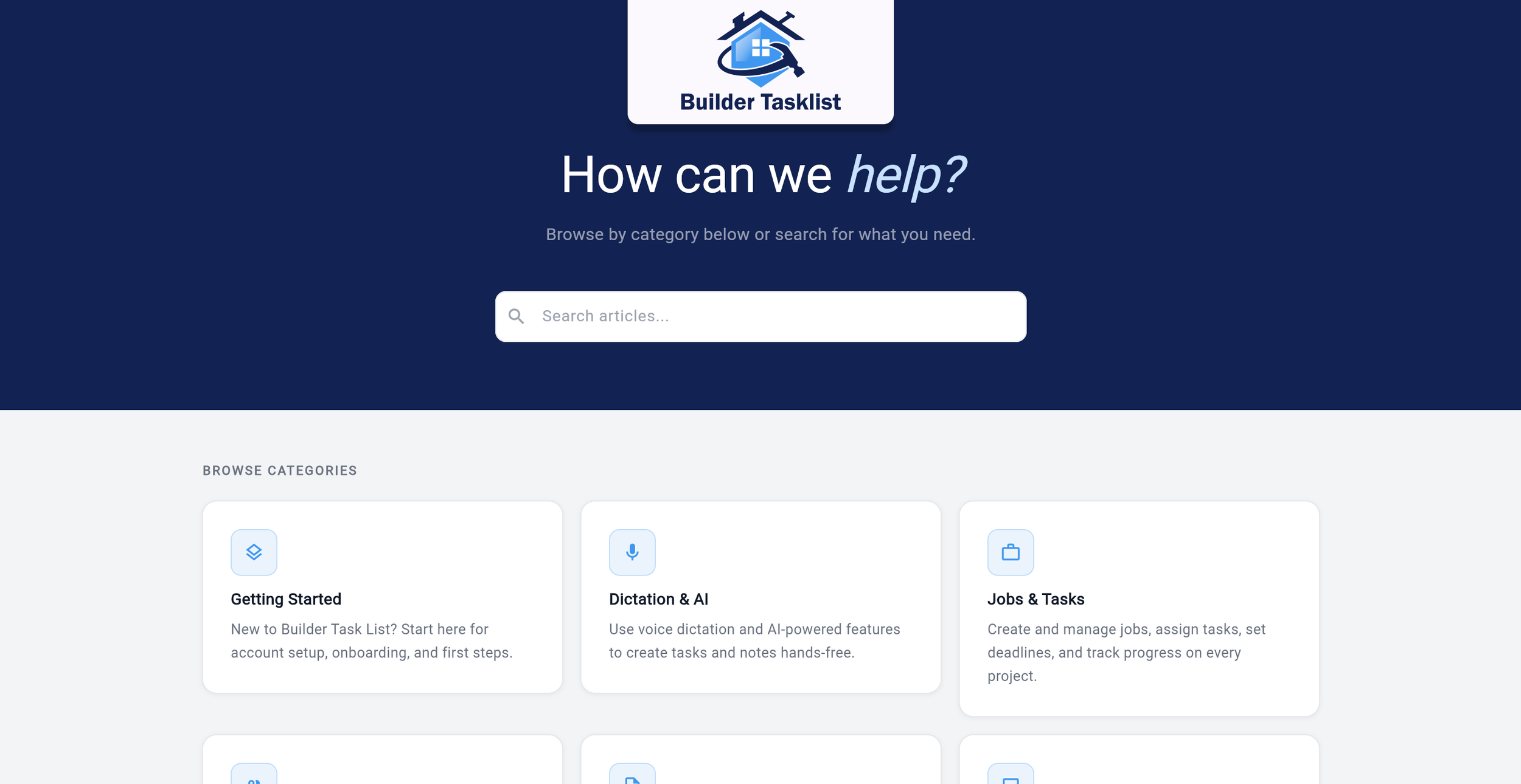
Screenshot of the Builder Tasklist Help Center
Everything in One Place
The help center covers the full app — from creating your first job list to exporting professional PDF reports. Articles are organized into straightforward categories:
Getting Started — Account setup, navigating the app, smart lists, language settings
Dictation & AI — How voice capture works, how the AI parses your words into structured tasks, tips for getting the best results
Jobs & Tasks — Creating jobs, editing tasks, due dates, filters, and locations
Subs, Vendors & Homeowners — Adding your crew, assigning trades, managing homeowners on a job
Reports & Sharing — PDF exports, naming reports, sharing task lists
Photos & Attachments — Capturing and attaching jobsite photos
Team & User Management — Inviting teammates, roles, and managing your team
Account & Billing — Trials, subscriptions, company settings
Release Notes — What's new in every version
Each article is written the way we'd explain it if you called us -- clear, direct, no fluff.
Get New Team Members Up to Speed Fast
One of the biggest reasons we built this: onboarding. When you bring a new superintendent, project coordinator, or office manager onto Builder Tasklist, you shouldn't have to be the one teaching them the app. Point them to the help center, and they can learn the basics on their own — how dictation works, how to add subs, how to share a report.
The Getting Started section walks through everything a new user needs from their first login to their first dictated task. The Dictation & AI section covers the details that make the difference between a good experience and a great one.
Your time is better spent building houses.
Stay Current on New Features
We ship updates regularly, and every release gets its own article in the Release Notes section. If you see an update notification and want to know what changed, the help center has the full breakdown — what's new, what's improved, and how to use it.
No digging through emails or scrolling through app store notes.
Bookmark It
It's live now. Save it, share it with your team, and use it whenever you need a quick answer. We'll keep adding articles as new features roll out.
What questions does the help center not cover? We're still right here — support@buildertasklist.com.