
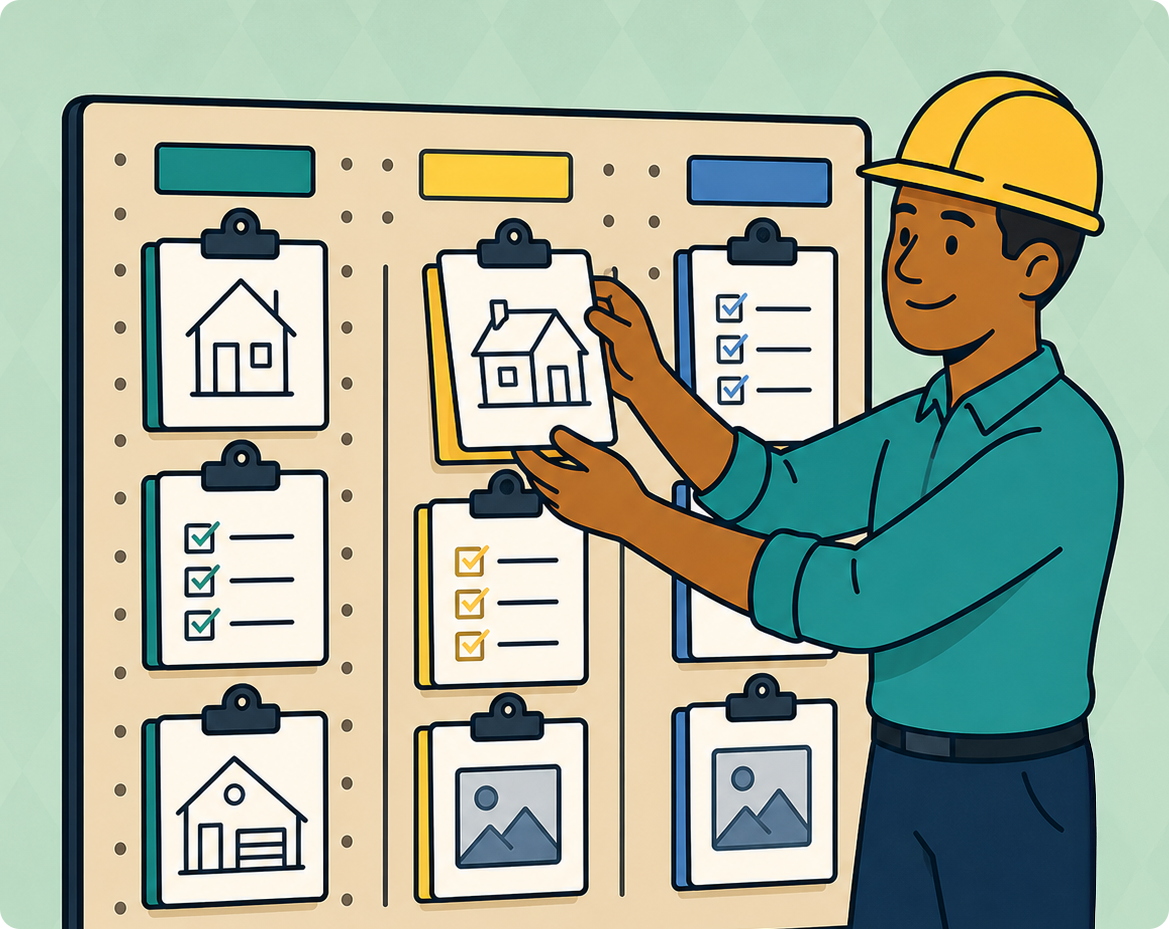
Introducing Job List Groups — Organize Your Jobs the Way You Think About Them
The same job might be an active build, in a specific community, or a warranty check-in. With v1.4.0, Job List Groups let you organize jobs into custom buckets, assign a single job to as many groups as it fits, and find the right list with one tap.

Just Say "Remind Me" — Builder Tasklist Now Sets Reminders While You Dictate
Every builder has a mental list of follow-ups that gets forgotten somewhere between job sites. With v1.3.0, just say "remind me" while dictating a task — Builder Tasklist creates the task, sets the reminder, and pushes you a notification when it's time to act.
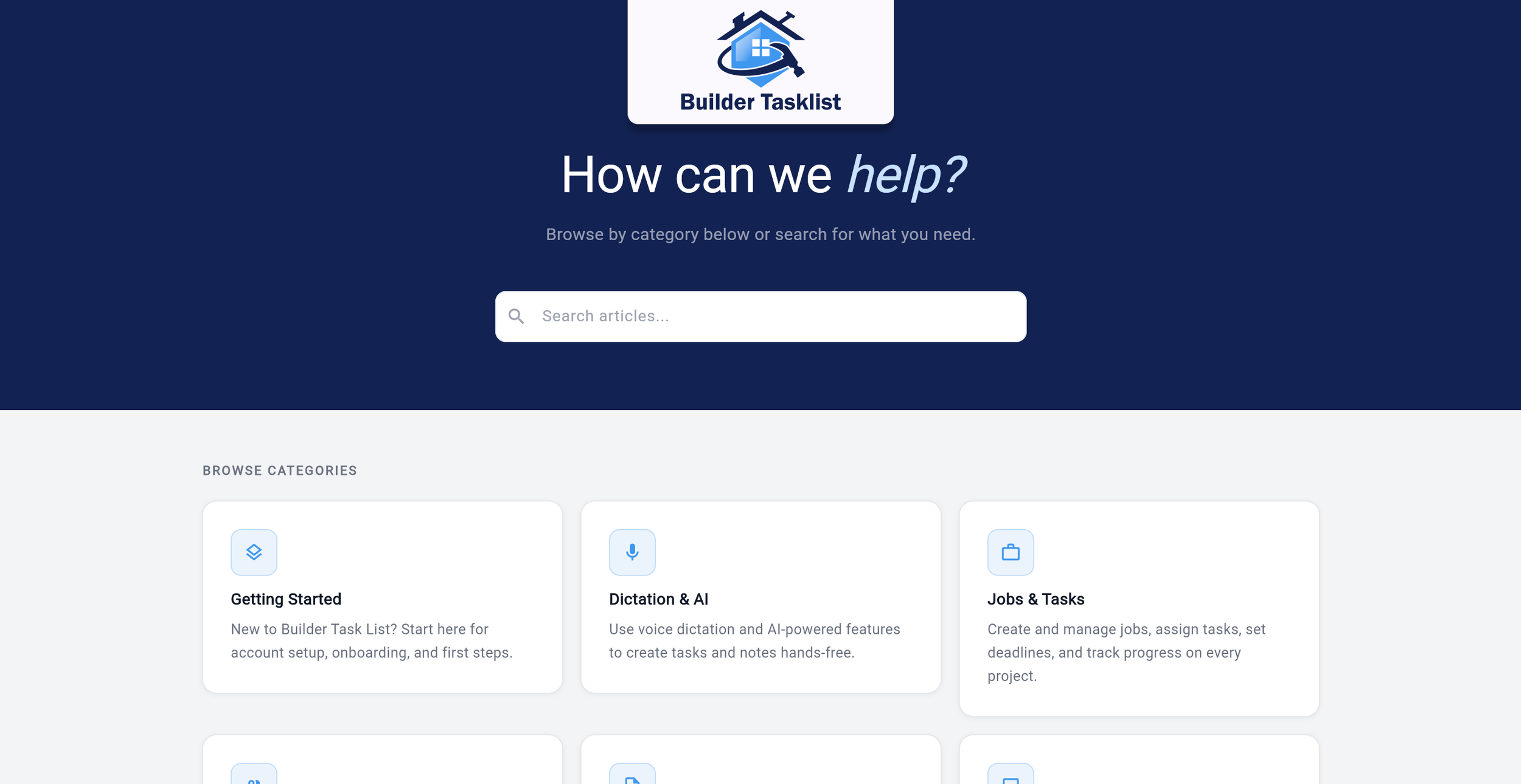
Builder Tasklist Now Has a Help Center
Builder Tasklist now has a dedicated help center at help.buildertasklist.com. Get answers fast, bring new team members up to speed without being the trainer, and stay current on every new feature we ship.
Builder Tasklist v1.2.1 Release Update: Your reports just got a lot more professional
Builder Tasklist v1.1.0 speeds up onboarding, improves task accuracy, and delivers a more reliable app experience. You get faster setup, smarter invites, sharper task data, and stronger performance.
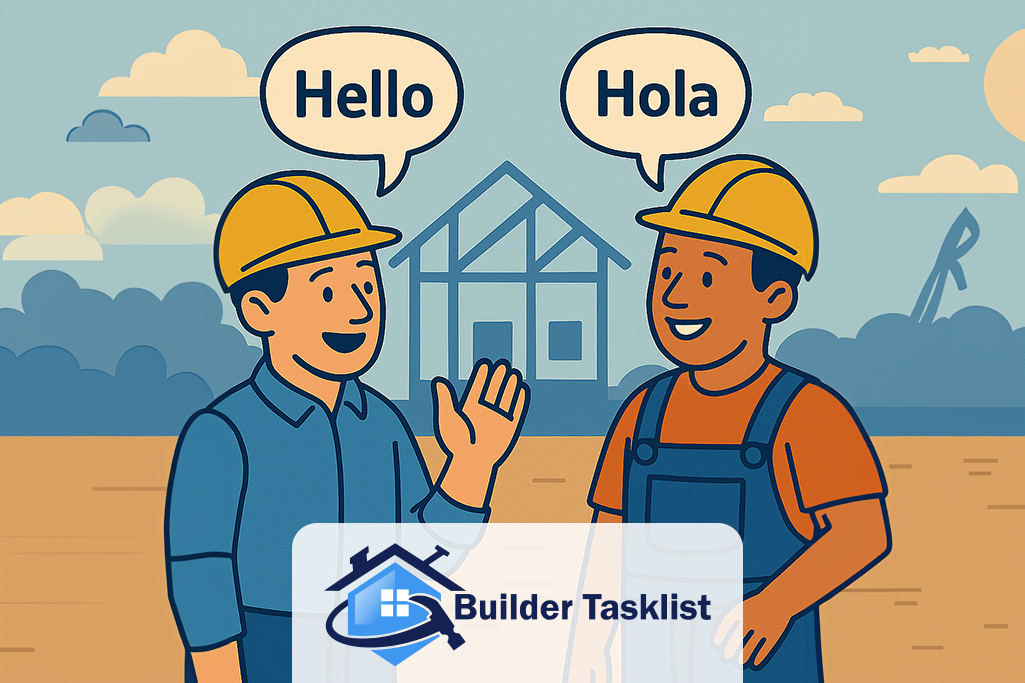
Builder Tasklist Now Speaks Spanish: A Faster, Clearer, Bilingual Jobsite Workflow
Our latest update brings full bilingual support across the entire app, including UI labels, dictated tasks, typed notes, trades, preferences, and shareable reports. Whether your crew works in English, Spanish, or both, Builder Tasklist keeps everyone on the same page with automatic, AI-powered translation built for real jobsite workflows.

Builder Tasklist v1.1.0 Release Update: Faster Onboarding and Smarter Task Handling
Builder Tasklist v1.1.0 speeds up onboarding, improves task accuracy, and delivers a more reliable app experience. You get faster setup, smarter invites, sharper task data, and stronger performance.
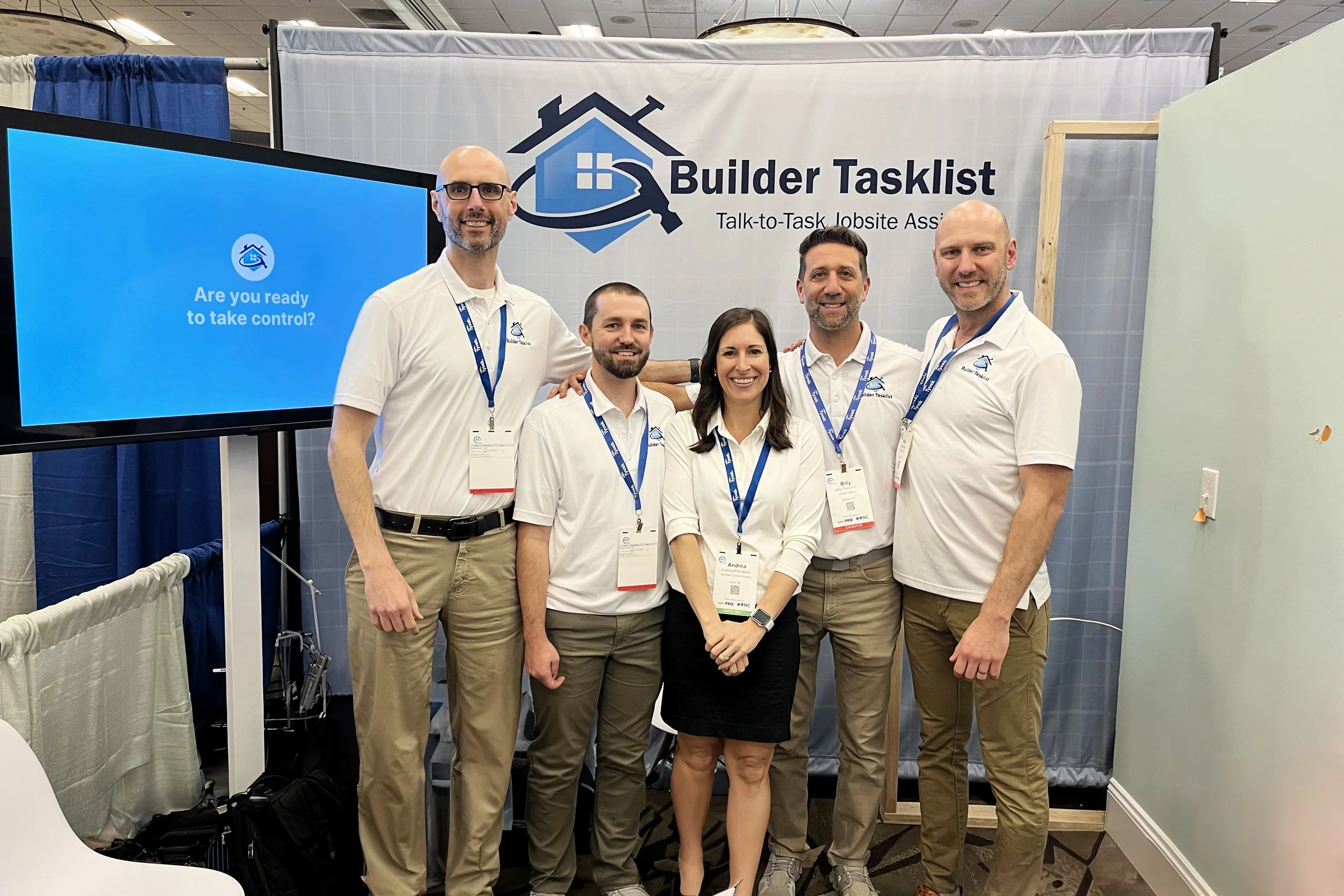
Builder Tasklist at the 21st Century Building Expo & Conference
At 21CBEC we talked with dozens of builders about the everyday problems they’re fighting: punch lists, subs, photos, and lost notes. Our live demos showed them a faster way. See the full recap.